

My remote work setup has been through eleven iterations, two countries, and one dramatic cable-management revelation. What survives today is almost embarrassingly simple — and that is the point. This is the setup I actually use daily, and more importantly, the things I removed that nobody warns you about.
The hardware: less than you think
The core is a single laptop, one external display, a decent chair, and a lamp that does not hum. Everything else — the second monitor, the vertical mouse, the mechanical keyboard with artisan keycaps — passed through my life and left. Each one promised focus and delivered a new thing to maintain.
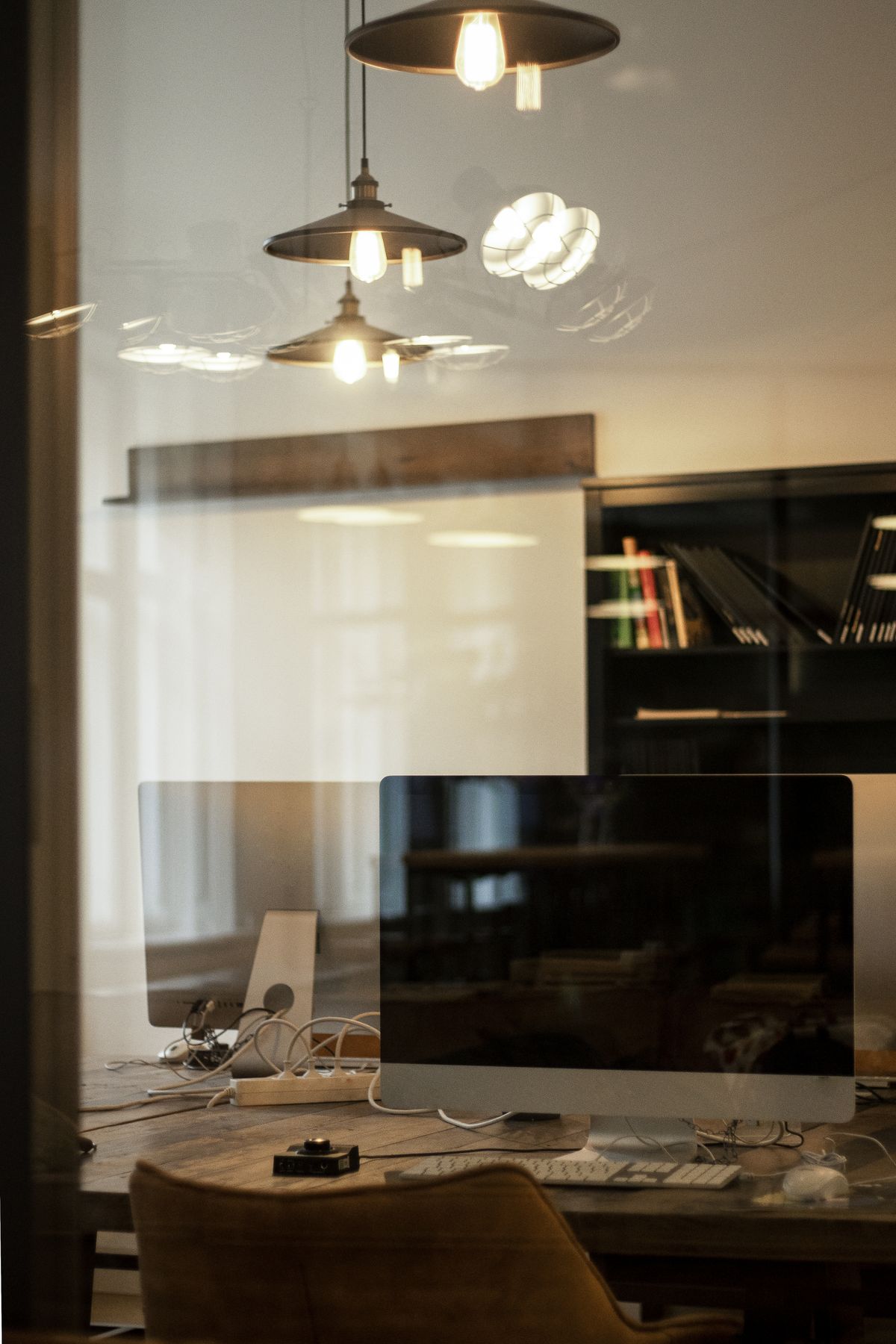
The display is the only upgrade that earned its desk space: one big screen beats two medium ones for reading code, and it hides behind the monitor arm when guests come over.

The software: defaults plus three tools
I keep the stock operating system and stock editor theme, and add exactly three things: a password manager, a notes app that syncs, and a terminal I love. Every other tool gets a two-week trial with real work. If it does not save measurable time by day fourteen, it goes — tools are employees, not pets.
The network: boring on purpose
Remote life dies on Wi-Fi drama, so the router is wired to the desk, the video-call device sits on the fastest network in the house, and a phone hotspot is configured and tested before it is needed. The day you travel is the wrong day to learn your hotspot login.
Location independence, honestly
The digital nomad version of this setup fits in one backpack: the laptop, one cable pouch, noise-canceling earphones. Working from a forest cabin or a kitchen table abroad feels romantic and is often great — but the setup matters less than the rhythm: a reliable morning block, a hard stop, and a backup plan for when the internet is a rumor.
What I would not buy again
A standing desk motor that wakes the cat. A monitor light bar that conflicted with my lamp. A second docking station “for travel” that never traveled. Every one of these solved a problem I did not have — the classic failure mode of setup content on the internet, including this post.
Start with what you own. Fix the chair first. Buy the display only when you can name the task it unlocks. The perfect setup is the boring one you stop thinking about — mine took eleven iterations to stop being interesting, and it has never worked better.
Read next: I Automated My Cat’s Feeder with a Raspberry Pi: An Honest Post-Mortem
Pingback: Debugging with a Cat on My Keyboard: What My Feline Coworker Taught Me About Patience – GatoSoft